

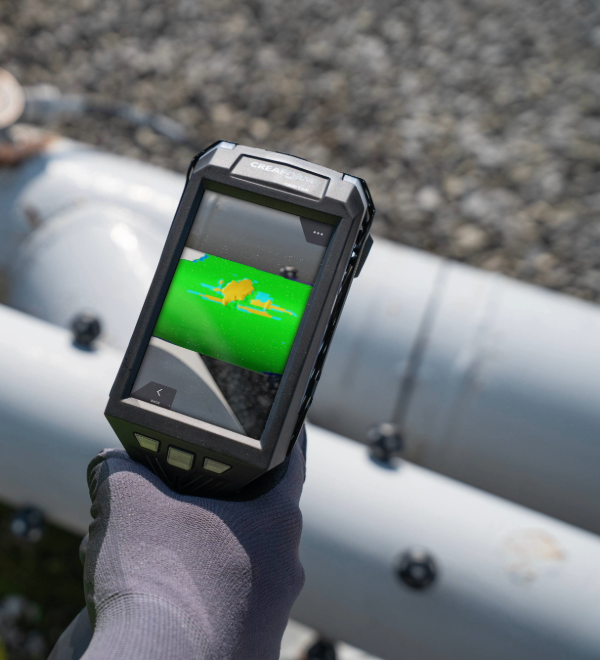
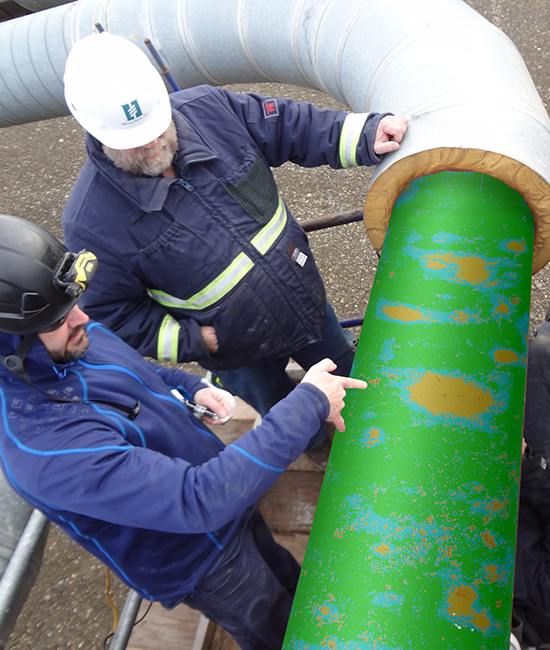
3D Corrosion Analysis with Full Surface Coverage and Virtual Pit Gauge
Unlike the pit gauge, pipeline measures both internal and external corrosion and provides complete 3D visualization for in-depth analyses. Once corroded surfaces are digitalized, the algorithm simulates a virtual pit gauge that covers the whole surface.
Extraction is measured as with the manual tool but with higher accuracy. The technique ensures 100% surface inspection coverage, better repeatability, and traceability over time.
Damage detection and reporting
On-site, instant, and automatic
CSV Export residual thickness mapping
Calculations
Estimated burst pressure (ASME B31G compliant)
Effective area with rupture pressure ratio (RPR)
Plausible profile (Psqr) corrosion assessment model
Virtual pit gauge capability
Near welds and obstacles
Automatic interaction rules and pit gauge length
Extraction is measured as with the manual tool but with higher accuracy. The technique ensures 100% surface inspection coverage, better repeatability, and traceability over time.
Damage detection and reporting
On-site, instant, and automatic
CSV Export residual thickness mapping
Calculations
Estimated burst pressure (ASME B31G compliant)
Effective area with rupture pressure ratio (RPR)
Plausible profile (Psqr) corrosion assessment model
Virtual pit gauge capability
Near welds and obstacles
Automatic interaction rules and pit gauge length
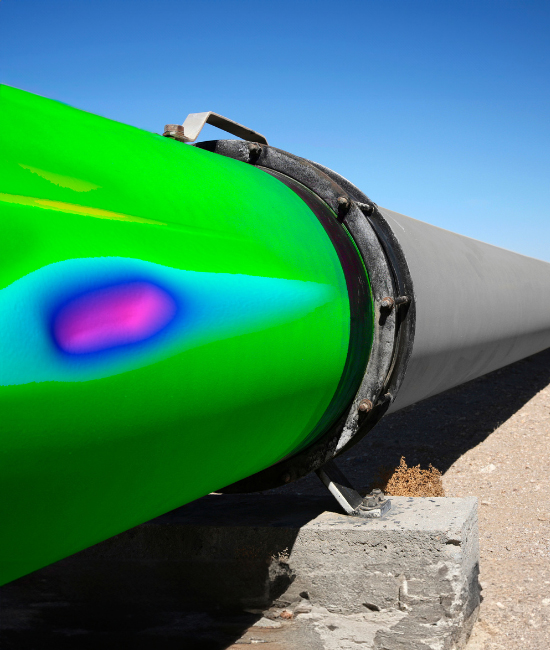
Denting and Mechanical Damage Detection with Automatic 3D Depth Analysis
Pipeline provides key NDT pipeline inspection functionalities, including the automatic detection of maximum depth and size—difficult to find with traditional measuring methods. Once the surface is digitalized, pipeline computes the pipeline's diameter, curvature, and circumference for automatic defect detection and measurement.
Automatic detection
Automatic maximum depth detection
3D Radial depth/bulging colormap
Measurement
Depth measurement using straight edge
Min/Max diameter measurement using pipe calipers
Regulations
B31.8R-2018 Strain-based analysis
ASME Compliant
Automatic detection
Automatic maximum depth detection
3D Radial depth/bulging colormap
Measurement
Depth measurement using straight edge
Min/Max diameter measurement using pipe calipers
Regulations
B31.8R-2018 Strain-based analysis
ASME Compliant
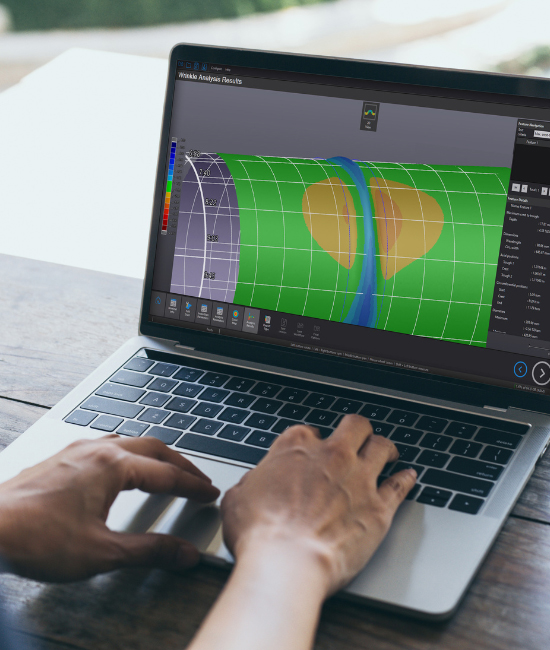
Wrinkle Analysis with 3D Crest-to-Trough and Diameter Calculations
Pipeline’s wrinkle analysis module is programmed to calculate the crest-to-trough depth of the ripple in addition to the wavelength, circumferential extent, and diameter restriction—enhancing the quality of pipeline inspection analyses and reporting. By fitting a perfect cylinder on the damaged pipe, pipeline finds the highest and lowest points of the wrinkle and extracts the depth wavelength of the damaged area.
Crest to trough
Crest-to-trough depth of the ripple
Crest-to-though 3D colormap
Diameter
Diameter restriction
Diameter reduction/extension 3D colormap
More calculations
Wavelength
Circumferential extent
Crest to trough
Crest-to-trough depth of the ripple
Crest-to-though 3D colormap
Diameter
Diameter restriction
Diameter reduction/extension 3D colormap
More calculations
Wavelength
Circumferential extent
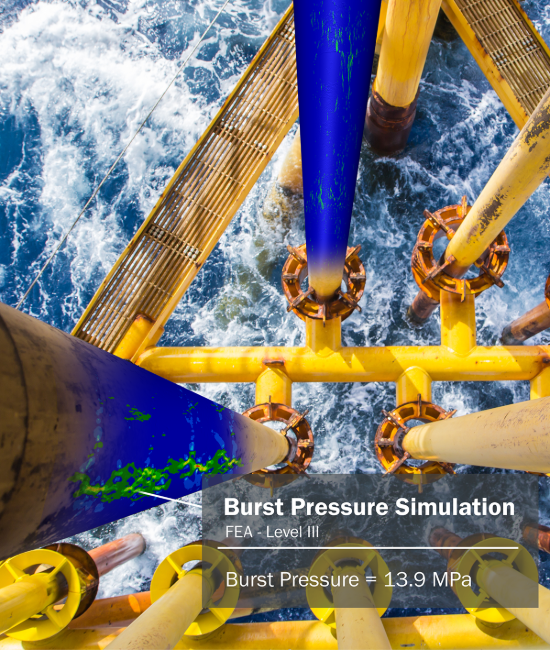
BURST PRESSURE LEVEL III SIMULATION
Creaform's burst pressure simulation generates a 3D visual report of the digitized surface. It calculates stress, displacement constraints, and burst pressure (with its location) based on triaxial strain analysis. This allows asset owners and service companies to clearly visualize the constraints and limits on their operating pipelines.
Stress, strains, and triaxiality criteria analysis
3D visual report of stress, strains, and triaxiality criteria constraints on the pipeline's digitized surface
Maximal pressure until explosion (burst pressure & localization)
3D visualization of maximum burst pressures and their locations on the pipeline
Learn more
Stress, strains, and triaxiality criteria analysis
3D visual report of stress, strains, and triaxiality criteria constraints on the pipeline's digitized surface
Maximal pressure until explosion (burst pressure & localization)
3D visualization of maximum burst pressures and their locations on the pipeline
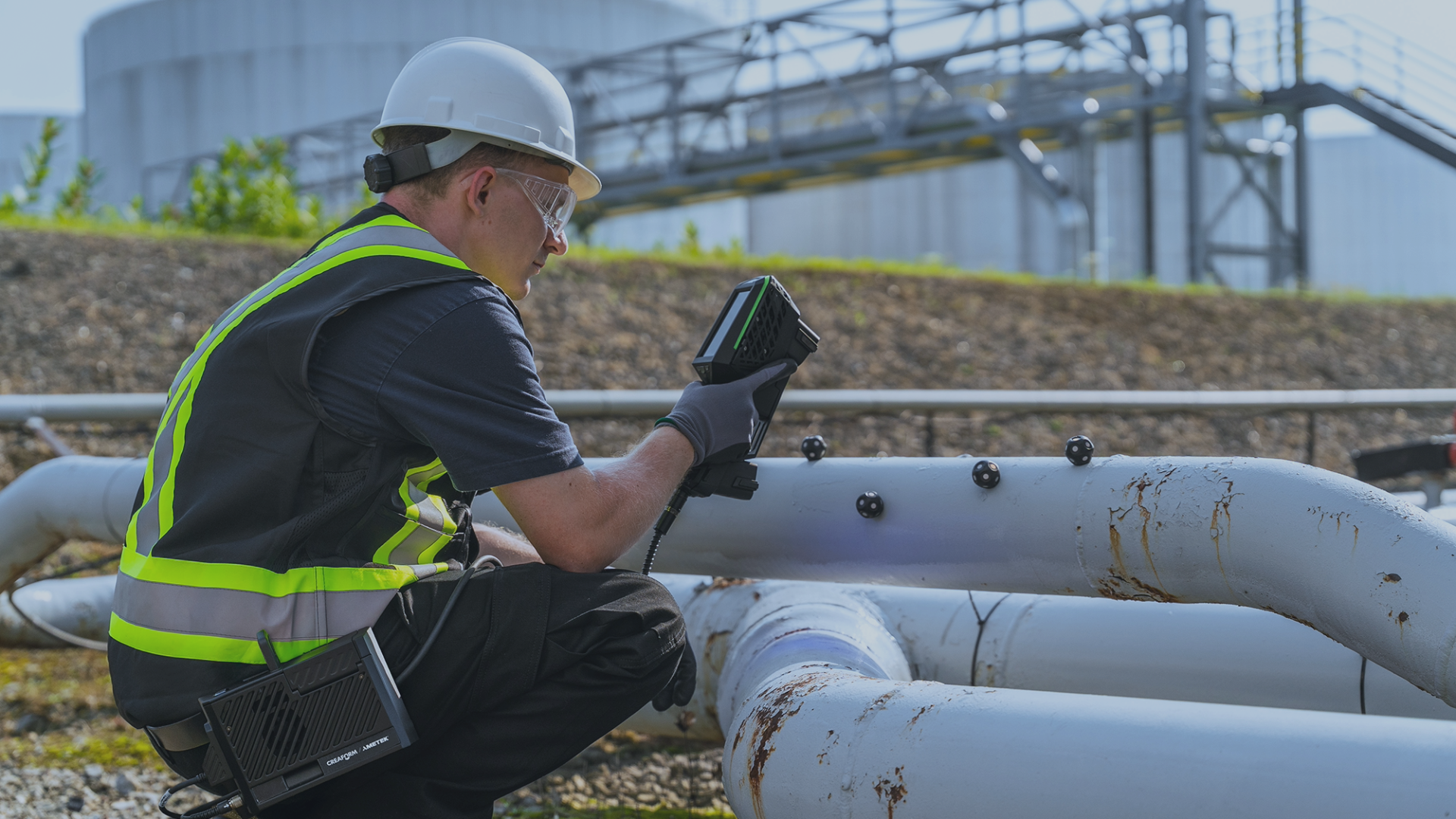
Advanced pipeline inspection functionalities
-
Assessing material loss from deformation is now easy with pipeline software. The NDT solution offers sophisticated tools and functions to extract corrosion depth inside a pipe’s mechanical damage.
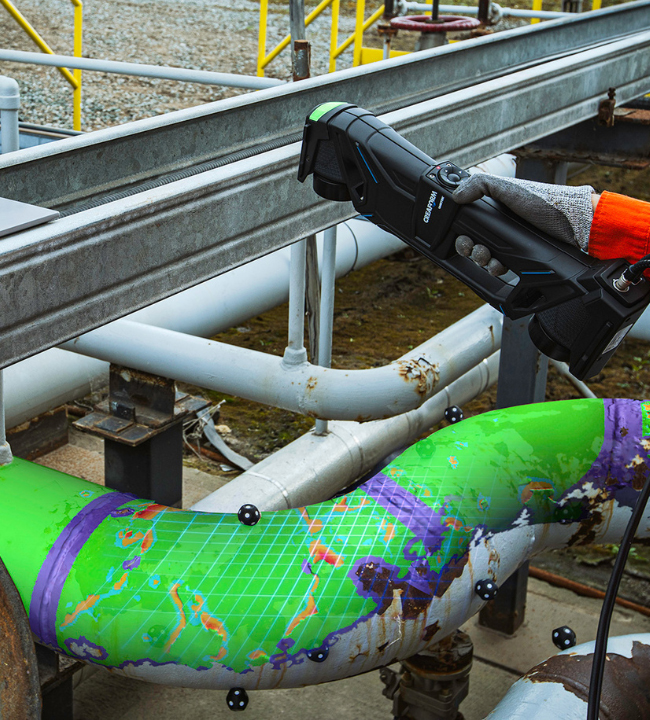
-
Pipeline monitors ILI performance levels by correlating smart-pig data against pipeline 3D scanning or imported UT data. The interface has been optimized to compare features' depth, length, and width in just one click.
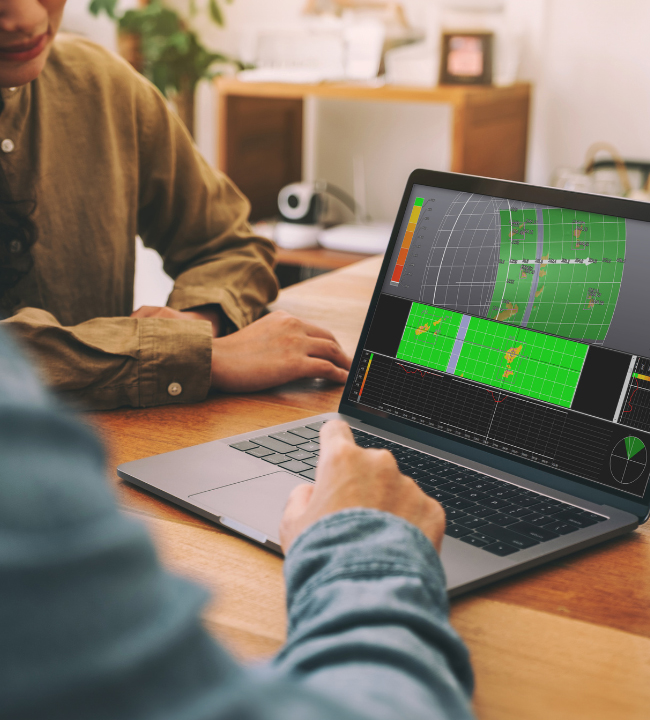
-
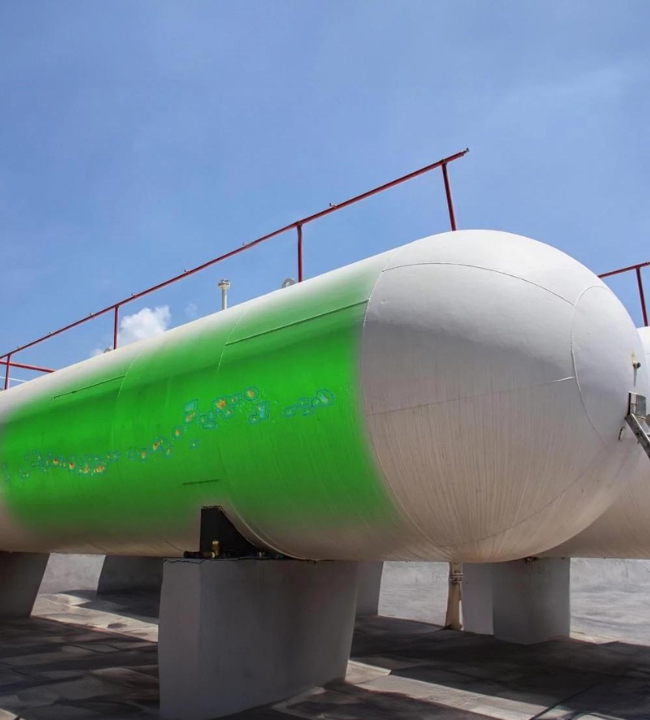
Pipeline supports the inspection of cylinders with diameters of up to 152m to enable inspection teams to assess large cylindrical components, such as pressure vessels and distillation columns.
Which 3D scanner is right for you?
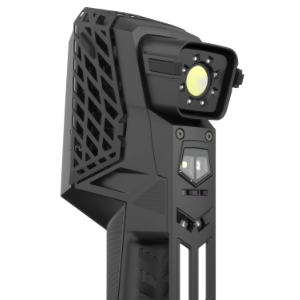
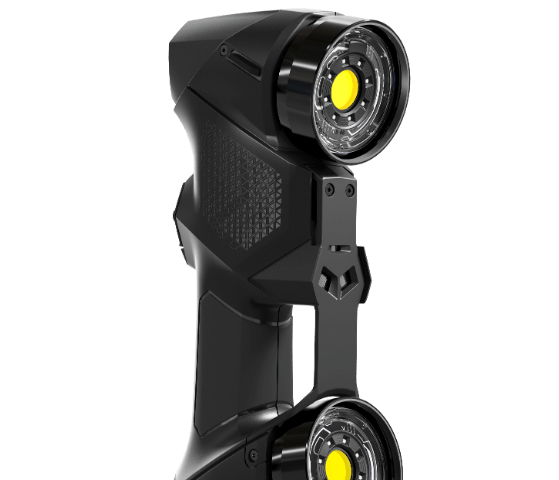


"With the HandySCAN 3D scanner and pipeline, we can carry out measurements over the entire length of the pipe and process them in the shortest possible time. Well-founded decisions can then be made based on our results. By using these 3D measurement technologies, we have increased our capacity, we're able to take on more orders, acquire new customers and offer a broader range of services."
Dennis Mumberg
Head of Materials Testing
Head of Materials Testing
Accessories
Extend the power of your inspection process
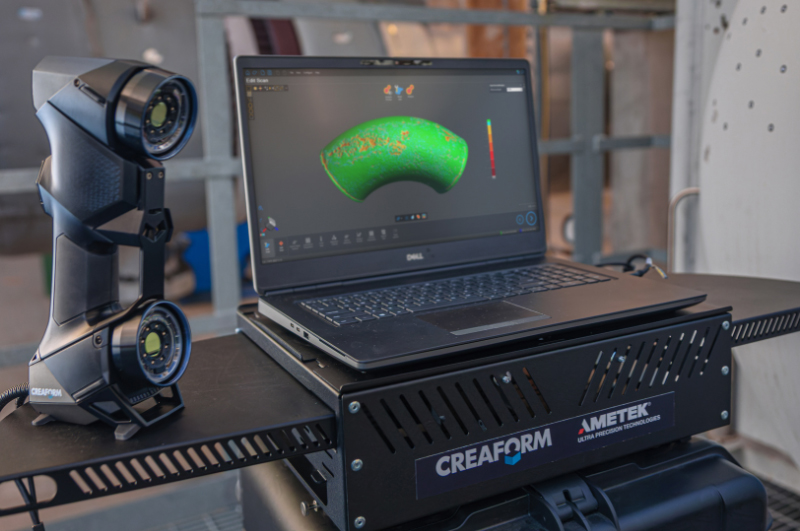
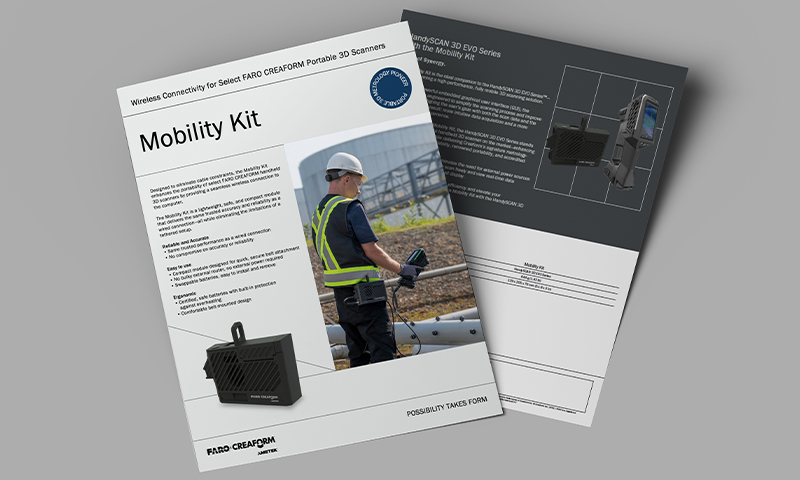
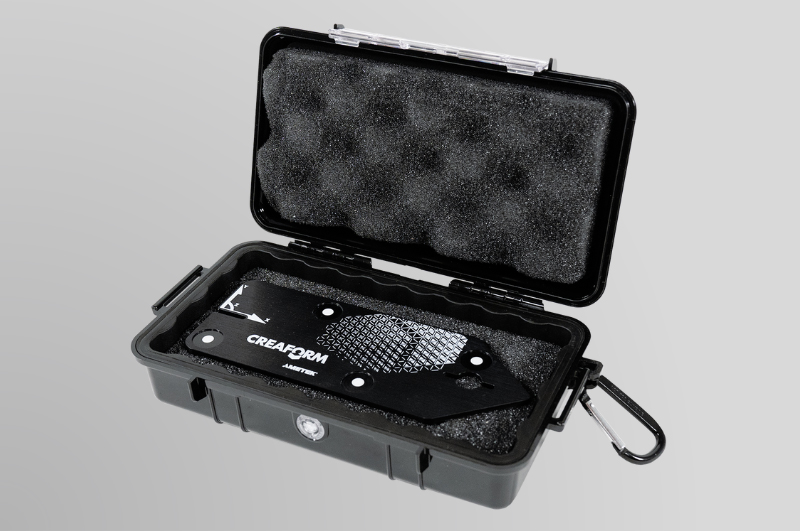
Reference arrows
No need for alignment, ready for reporting
Want to try the best NDT pipeline integrity assessment software on the market?
Contact us now for a free trial version of the perfect NDT solution adapted to your needs.