Part of the Creaform Metrology Suite™, Scan-to-CAD is a post-treatment software module designed to optimize meshes and prepare 3D scans for 3D printing. Scan-to-CAD also enables designers and engineers to finalize 3D scan data and use it in their reverse engineering and product development workflows.
With a fast processing time that promptly optimizes the mesh and extracts all needed geometrical information, designers and engineers can quickly go back to the CAD workflow they already know.
Satisfied with its performance and complete toolset, thousands of users have already endorsed Scan-to-CAD, selecting it as their favorite complement to CAD software.
Request more information
Download brochure
With a fast processing time that promptly optimizes the mesh and extracts all needed geometrical information, designers and engineers can quickly go back to the CAD workflow they already know.
Satisfied with its performance and complete toolset, thousands of users have already endorsed Scan-to-CAD, selecting it as their favorite complement to CAD software.
Mesh optimization + 3D Printing
Scan-to-CAD’s powerful preparation and improvement tools let you quickly edit the mesh and align 3D scan data. After cleaning and improving the 3D scan data, you get a usable and optimized mesh ready for 3D printing or other applications.


Prepare and Clean the Mesh for CAD or 3D Printing
STEP 1
Scan-to-CAD offers simple yet efficient tools for preparing 3D scan meshes for reverse engineering or 3D printing.
Clean mesh
Fill holes
Merge meshes
Decimate mesh
Make mesh watertight
Clean mesh
Fill holes
Merge meshes
Decimate mesh
Make mesh watertight
Align 3D Scans to the Coordinate System
STEP 2
The Scan-to-CAD alignment tool makes it easy to perform the crucial step of aligning 3D scans to the coordinate system before exporting.
Entity-based alignment
Best fit alignment
Entity-based alignment
Best fit alignment
Product development + Reverse engineering
Scan-to-CAD provides only the needed tools and features to integrate 3D scan data into your preferred CAD software, leveraging its design and modeling capabilities. Its intuitive functions let you easily extract information from the mesh and transfer it to generate CAD entities for 3D modeling.


Extract Geometric Entities from 3D Scan Data
STEP 3
Scan-to-CAD simplifies the generation of NURBS surfaces for characterizing freeform regions and enables the extraction of geometric entities from the mesh to complete designs in any CAD software.
Auto surface
Manual surface
2D/3D entities
Curves
Cross-sections
Auto surface
Manual surface
2D/3D entities
Curves
Cross-sections
Generate 2D Sketches for CAD Modeling
STEP 4
Scan-to-CAD Pro enables fast and efficient 2D sketching from 3D scan data, such as cross-sections, to create foundations for building parametric CAD models.
Manual sketch
Sketch on scan data
Automatic feature creation
Manual sketch
Sketch on scan data
Automatic feature creation
Build Accurate 3D Models with Parametric Tools
STEP 5
Scan-to-CAD streamlines your reverse engineering workflow with intuitive tools for creating accurate parametric solid models on the first try.
Extrude
Revolve
Cut
Extrude
Revolve
Cut


Export and Transfer Entities to Your CAD Software
STEP 6
Scan-to-CAD allows you to seamlessly export 3D scan data to any CAD software using standard formats (.iges, .step, .dxf). With a simple right-click, geometric entities can be directly transferred to the following CAD software:
SOLIDWORKS
Autodesk Inventor
Autodesk Fusion 360
Solid Edge
SOLIDWORKS
Autodesk Inventor
Autodesk Fusion 360
Solid Edge
Looking for the simplest path from 3D scan to CAD?
Explore Scan-to-CAD’s intuitive functions that let you optimize your mesh, extract all needed geometrical information, and, most importantly, quickly return to your CAD workflow.
The easiest-to-use reverse engineering toolkit
Scan-to-CAD is available in two versions, according to your workflow.
IGES/STEP CAD file import/export
Mesh editing tools
Surfaces
Alignment
Entity creation
Basic measurement tools
2D sketching
3D modeling
Transfer to major CAD software
Find out how you can accelerate your development process with Scan-to-CAD.
Gain privileged access to Scan-to-CAD’s powerful tools and features.
Compatible with any CAD software



FAQ Scan-to-CAD
-
The Scan-to-CAD module is typically the better approach when an existing physical part already contains geometry, dimensions, or design intent that would be time-consuming to recreate manually. By starting from a 3D scan, engineers can capture the current state of a part and use it as a foundation for redesign, modification, or replacement, which significantly reduces modeling time.
-
The Scan-to-CAD module is particularly valuable for legacy components without CAD files, aftermarket parts, cast or molded components with complex freeform shapes, tooling modifications, and products that have undergone multiple undocumented design revisions. In these situations, a 3D scan often provides the most reliable starting point for creating accurate CAD models.
-
Keeping scan preparation, feature extraction, and CAD preparation within a unified workflow reduces file transfers, minimizes data translation issues, and helps maintain consistency throughout the reverse engineering process. It can also shorten training time by allowing users to work within a familiar environment rather than moving between multiple software interfaces.
-
When redesigning an existing product, engineers often need to understand how new components will interact with legacy parts. By creating CAD models directly from scanned geometry, the Scan-to-CAD module helps teams quickly establish accurate design references, reducing measurement time, minimizing fitment issues, and accelerating the overall redesign process.
-
No. While reverse engineering is a common application, the Scan-to-CAD module can also support product development, custom manufacturing, design modifications, tooling updates, digital archiving, and additive manufacturing workflows. Any application that requires transforming physical geometry into usable 3D models can benefit from a scan-to-CAD process.
-
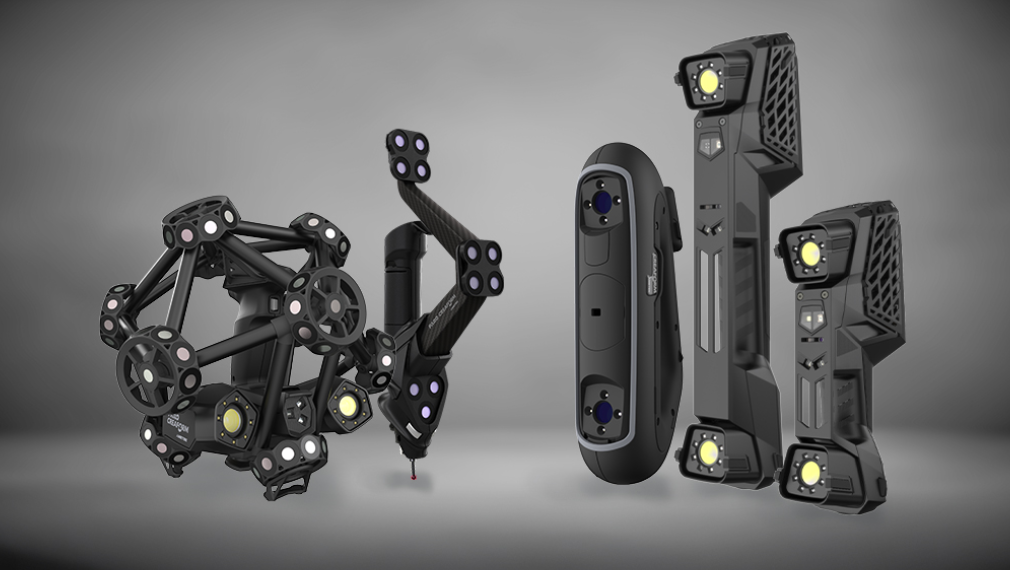
FARO CREAFORM 3D scanning solutions combine portability, metrology-grade accuracy, and fast data acquisition in a single workflow. Because they can scan parts directly where they are located—including prototypes, legacy components, tooling, or large assemblies—they enable engineering teams to quickly obtain the accurate 3D data needed to make informed design decisions and bring products to market faster.
Explore our professional and industrial 3D scanners
Whether your focus is product development, reverse engineering, or quality control, we have the right 3D scanner for your application.